
How to Clean Electronic Gadgets Safely
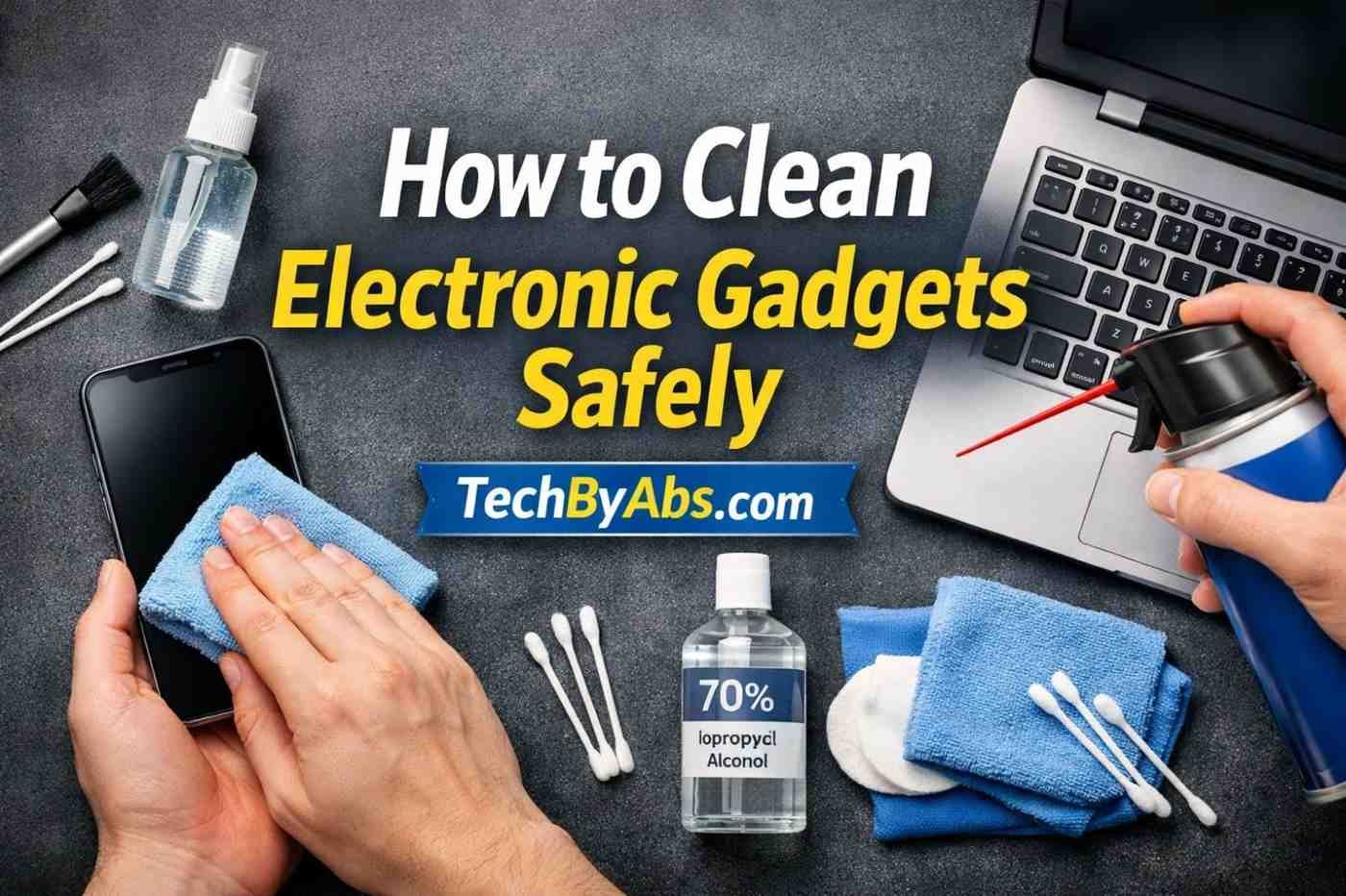 Electronic devices like smartphones, laptops, and headphones collect dust, germs, and fingerprints every day. If not cleaned properly, they can become unhygienic and even stop working efficiently.
The problem is that many people damage their devices by using water, harsh chemicals, or incorrect methods.
In this guide, you’ll learn how to clean electronic gadgets safely using simple, effective, and beginner-friendly methods at home. Whether it’s your phone screen or laptop keyboard, this step-by-step guide will help you clean without causing damage.
Cleaning your devices is important, but maintaining them properly after cleaning is what really extends their lifespan. Once your gadgets are clean, try to build simple habits that keep them dust-free and safe.
First, always store your devices in a clean and dry place. Avoid placing your phone, laptop, or accessories on dusty surfaces or near food. Using protective cases and screen protectors can also reduce dirt buildup and make future cleaning easier.
Second, make it a habit to wash your hands before using your devices. This simple step can significantly reduce fingerprints, oil smudges, and bacteria on your screens.
Table of Contents
- Why Cleaning Gadgets is Important
- Things You Need Before Cleaning
- Step-by-Step Guide to Clean Gadgets Safely
- Common Causes of Device Dirt & Damage
- Expert Tips for Safe Cleaning
- Mistakes to Avoid
- FAQ Section
Why Cleaning Electronic Gadgets is Important
Cleaning your devices regularly helps:
- Remove bacteria and germs
- Improve device performance
- Increase lifespan
- Maintain screen clarity and touch sensitivity
Things You Need Before Cleaning
Before you start, gather these safe cleaning tools:
- Microfiber cloth
- Isopropyl alcohol (70% or higher)
- Soft brush (for keyboard)
- Cotton swabs
- Compressed air (optional)
👉 Avoid using:
- Water directly
- Harsh chemicals
- Rough cloth or tissue paper
Step-by-Step Guide: How to Clean Electronic Gadgets Safely
1. Turn Off and Unplug the Device
Always power off your gadget before cleaning to avoid electrical damage or short circuits.
2. Use a Dry Microfiber Cloth First
Gently wipe the surface to remove dust and fingerprints.
✔ Best for:
- Phone screens
- Laptop screens
- Tablets
3. Apply Cleaning Solution Carefully
Lightly dampen a microfiber cloth with isopropyl alcohol.
⚠️ Important:
- Never spray liquid directly on the device
- Cloth should be slightly damp, not wet
4. Clean Screens Gently
Wipe in circular motion:
- Removes smudges
- Prevents streaks
- Protects the screen coating
5. Clean Keyboard and Ports
Use:
- Soft brush for dust
- Compressed air for deep cleaning
For stubborn dirt:
- Use a cotton swab with alcohol
6. Let It Dry Completely
Wait a few minutes before turning the device back on.
Common Causes of Dirty Gadgets
Understanding causes helps prevent damage:
- Frequent handling
- Eating near devices
- Dusty environment
- Lack of regular cleaning
Expert Tips for Safe Cleaning
- Clean devices once a week
- Use screen protectors
- Keep gadgets in clean storage
- Wash your hands before use
Common Mistakes to Avoid
Avoid these errors:
- ❌ Using water directly
- ❌ Spraying cleaner on the device
- ❌ Using rough cloth
- ❌ Cleaning while the device is ON
- ❌ Using household cleaners (like glass cleaner)
Recommended Cleaning Tools (Optional Affiliate Section)
You can recommend on TechByAbs:
- Microfiber cleaning kits
- Screen cleaning sprays
- Compressed air cans
- Anti-static brushes
Featured Snippet Answer
How to clean electronic gadgets safely?
To clean electronic gadgets safely, turn off the device, use a dry microfiber cloth to remove dust, and gently wipe with a cloth slightly dampened with isopropyl alcohol. Avoid using water directly and never spray liquid on the device.
FAQ Section
1. Can I use water to clean electronic devices?
No, water can damage internal components. Always use a slightly damp microfiber cloth instead.
2. What is the safest cleaner for electronics?
Isopropyl alcohol (70% or higher) is the safest option for cleaning electronic gadgets.
3. How often should I clean my gadgets?
You should clean your devices at least once a week for hygiene and performance.
4. Can I use tissue paper to clean screens?
No, tissue paper can scratch screens. Always use a microfiber cloth.
5. How to clean electronic devices at home safely?
Use a microfiber cloth and a mild alcohol solution; avoid excess moisture. Always power off before cleaning.
For official cleaning recommendations, you can also check guidelines from Apple or Microsoft support pages.